

Turn back to 2007; My wife and I built our home, integrating many smart technologies, including the Clipsal C-Bus lighting system. This solution is classified as a Prosumer technology, and is designed to integrate into whole house automation systems.
The C-Bus system implements however a propriatory technology, and utilizes a communication protocol which is not ‘open source’; however, accepting a licence agreement will permit access to this protocol for creating an programming interface.

Turn back to 2007; My wife and I built our home, integrating many smart technologies, including the Clipsal C-Bus lighting system. This solution is classified as a Prosumer technology, and is designed to integrate into whole house automation systems.
The C-Bus system implements however a propriatory technology, and utilizes a communication protocol which is not ‘open source’; however, accepting a licence agreement will permit access to this protocol for creating an programming interface.
To simplify (arguable) the process of integrating with the CBus environment Clipsal released a Bridge solution which enables a TCP interface using a special Java application called ‘C-GATE’.
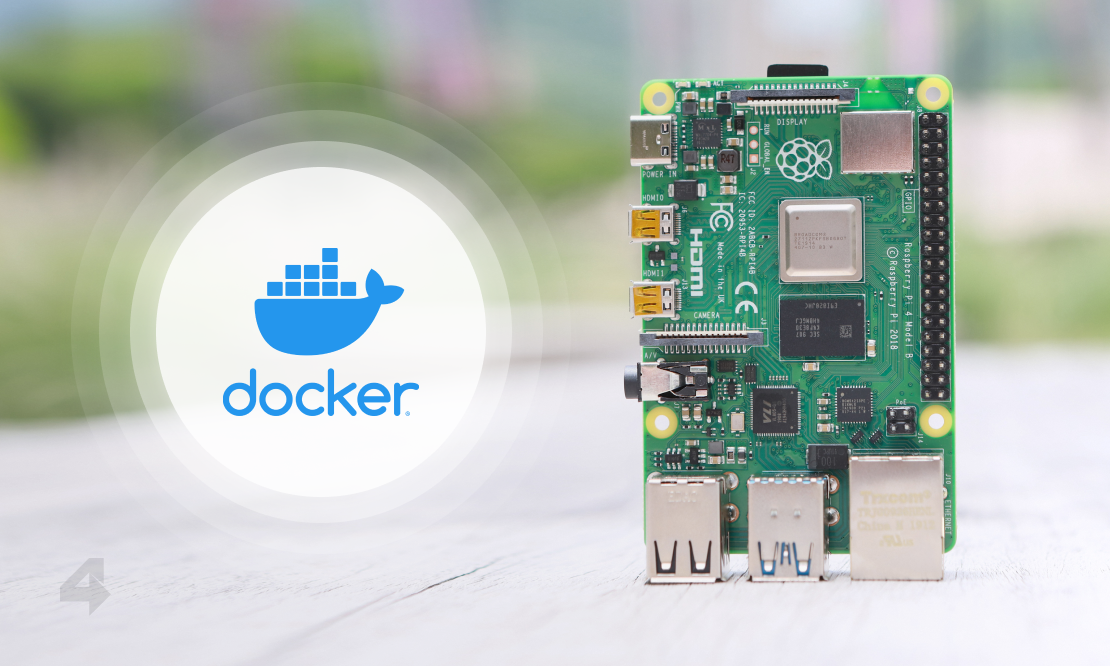
Using a Raspberry Pi, with a USB to RS-232 cable, which is then connected to a Clipsal interface called the Serial PCI Module,
Prerequisites
Deploy the current relase of Rasbian for your Pi.
Update: Jan 2021 - Currently using Rasbian 2021-01-11
Once the Pi have been configured and added to the network, we can connect via SSH, and begin installing the pre-requisites for our gateway.
# Serial 2 Socket Build Tools
sudo apt-get install git build-essential autotools-dev devscripts libssl-dev

# Java 8 Runtime for CGate
sudo apt-get installopenjdk-8-jdk

# Node and NPM for CGateWeb
sudo apt-get installnode npm
TCP to Serial Bridge
Configuring the CBus system over TCP however will not work with just C-Gate alone, we need to also establish a TCP connection directly to the Serial PCI Module.
Serial To Socket
This requires that we compile and run a small C application (Don’t worry, this is painless and fast); It took a lot of searching to find, posted the source to the following GIT repository; the application is called ser2sock.
Here’s the steps to get it set up:
git clone https://github.com/nutechsoftware/ser2sock.git

cd ser2sock
./configure --without-sslcc -o ser2sock ser2sock.c
sudo mv ser2sock /usr/local/bin

cd /usr/local/bin/ser2sock
sudo chown -R pi:pi /usr/local/bin/ser2sock
Running as a service - System.d
The source offers us a sample init script which we can use for starting the service. First we will place this in the SystemD folder, and then update it to match our requirements for C-Gate
sudo cp ~/ser2sock/init/systemd/ser2sock.service /etc/systemd/systemUpdate the startup script, /etc/systemd/system/ser2sock.service to have the daemon auto-start with the required C-Gate port, which is TCP 10001, and the serial interface baud rate set to 9600.
[Unit]
Description=Proxy that allows tcp connections to serial ports
After=syslog.target network.target

[Service]
Type=forking
ExecStart=/usr/local/bin/ser2sock -p 10001 -s /dev/ttyUSB0 -b 9600 -d
ExecReload=/bin/kill -HUP $MAINPID

[Install]
WantedBy=multi-user.target
Then activate using:
sudo systemctl enable ser2sock.service
sudo systemctl start ser2sock.service
Installing C-Gate
Download the current software release of C-Gate off the clipsal website and unzipped the files into /usr/local/bin/cgate.
cd ~
wget https://updates.clipsal.com/ClipsalSoftwareDownload/mainsite/cis/technical/CGate/cgate-2.11.4_3251.zip
unzip cgate-*.zip
sudo mv cgate /usr/local/bin
Running C-Gate as Service - System.d
Adding the following ‘system.d’ startup script, to have the daemon auto-start with the operating system /etc/systemd/system/cgate.service
[Unit]
Description=Clipsal CBUS Gateway
After=syslog.target network.target[Service]
ExecStart=/usr/bin/java -Djava.awt.headless=true -jar -noverify /usr/local/bin/cgate/cgate.jar
Restart=always
User=root
Group=root
Environment=PATH=/usr/bin:/usr/local/bin
WorkingDirectory=/usr/local/bin/cgate/

[Install]
WantedBy=multi-user.target
Then activate using
sudo systemctl enable cgate.service
sudo systemctl start cgate.service
C-Gate Access Control
We must configure the C-Gate service to allow remote connections from machines on the network by editing the access control file nano /usr/local/bin/cgate/config/access.txt; adding a line, providing the ip address of the remote system. In the example I am allowing the network 172.16.0.0/23 or the IP’s in the range of 172.16.0.0 to 172.16.255.255
echo "remote 172.16.255.255 Program" >> /usr/local/bin/cgate/config/access.txSave, then restart cgate:
sudo systemctl restart cgate.serviceC-Gate Auto-Connect
Edit the file /usr/local/bin/cgate/config/C-gateConfig.txt. Set the project.default and project.start lines to the name of the C-Gate Project.
CGate MQTT
MQTT interface for C-Bus lighting written in Node.js
cd /usr/local/bin
sudo git clone https://github.com/the1laz/cgateweb.git
cd cgateweb
npm install
sudo nano settings.js
Put in your settings.
sudo cp cgateweb.service /etc/systemd/system
sudo systemctl enable cgateweb
sudo systemctl start cgateweb
All links in a practical list


More articles

Streaming Vinyl On Sonos
Mixup some Vyinl Oldies, a little Ice to cast, and a PI for some energy, and your ready to go
A little known trivia - I was once a Disc Jokey, and spent a lot of my youth behind the decks, in clubs around the West Of Ireland. Today, I still am the proud owner of a very large collection of Vynil and CD music, which of course deserves to get a second life with my digital streaming audio system powered by Sonos

Change Detection Using Oxidized
Oxidized is a Linux based service which has the ability to monitor a device’s configuration, including software and hardware. Current configuration is backed up from each device and stored to a GIT repository to maintain history of changes.
The process is very simple:
- Login to each device in the router list
router.db, - Run Commands to get the information that will be saved
- Clean the output
- Commit the Changes to GIT Repository
The tool is coded in Ruby, and implements a Domain Specific Language (DSL) for interaction.
Guacamole Azure Appliance
Apache Guacamole is a free and open source web application which lets you access your dashboard from anywhere using a modern web browser. It is a clientless remote desktop gateway which only requires Guacamole installed on a server and a web browser supporting HTML5.
Guacamole is the best way to keep multiple instances accessible over the internet. Once you add an instance to Guacamole, you don’t need to remember the password as it can securely store the credentials. It also lets you share the desktops among other users in a group. Guacamole supports multiple connection methods such as SSH, Telnet, VNC, and RDP.